A Powerful Guide to Smarter Office Entry and Security
Here is a surprising fact: a lost access badge can be disabled without changing a lock. A lost metal key may affect every door it opens.
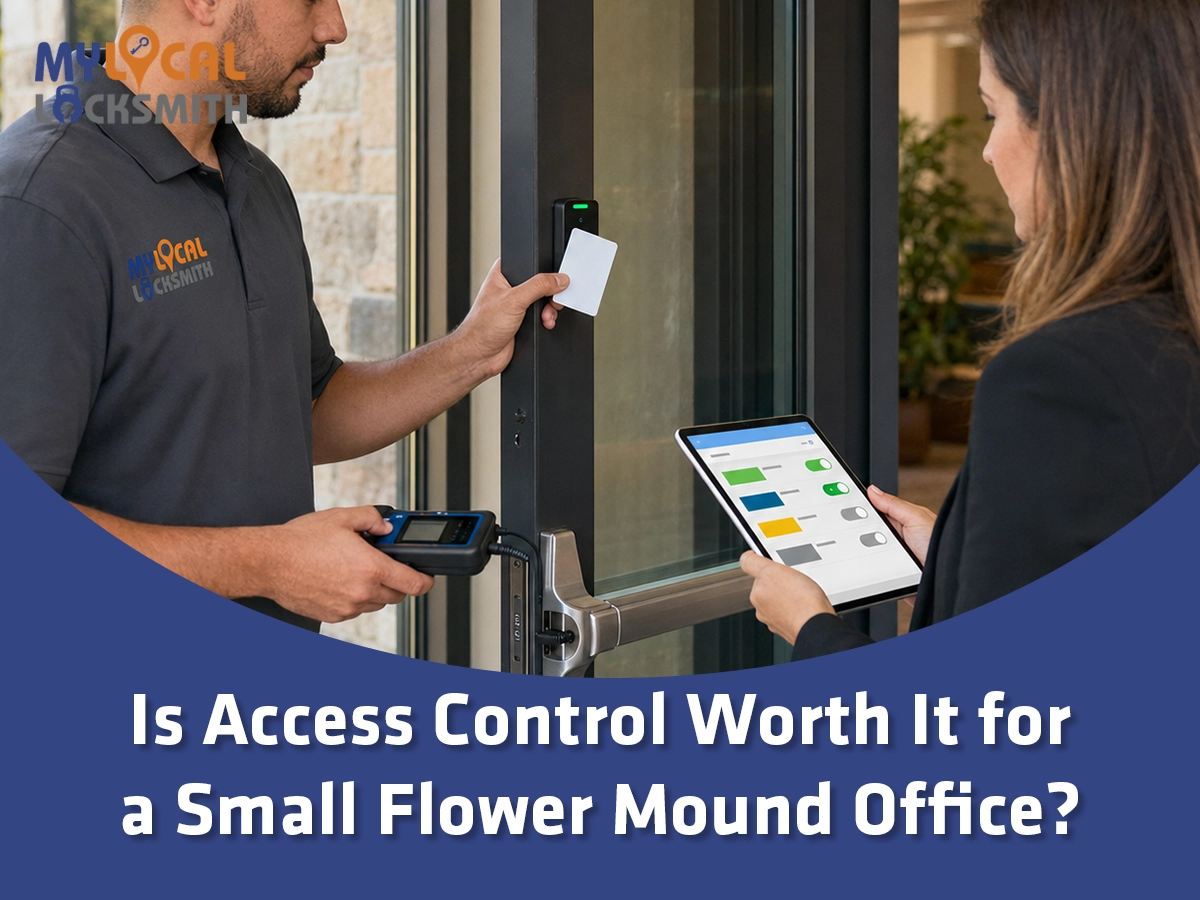
AI Overview: Access control for a small Flower Mound office can be worth it when staff changes often, sensitive rooms need limited access, or management needs reliable entry records. It can replace shared keys with badges, codes, or mobile credentials that are easier to add and remove. However, the system brings installation, software, maintenance, power, and cybersecurity needs. A small office with one door, stable staff, and no audit need may be well served by quality mechanical locks and strong key control. Before buying, compare the number of doors, user changes, access schedules, visitor flow, lease limits, safe exit needs, and full ownership cost. A commercial locksmith can inspect the opening and help choose a simple, scalable system.
The best answer is not based on office size alone. A five person financial office may need tighter access than a larger studio. The value depends on what the doors protect and how often access changes.
Access control should solve a clear business problem. It should not become costly technology that nobody manages. Therefore, decision makers should define the goal before comparing products.
- List the people, rooms, schedules, and records that need control.
- Compare those needs with the cost and limits of the current key system.
1. Decide What Access Control Must Solve
Start with the reason for considering an upgrade. Some offices want faster employee offboarding. Others need to limit access to records, equipment, medicine, inventory, or private work areas.
A system can also reduce shared key use. Each person can receive a separate badge, code, or mobile credential. Management can then remove one person’s access without changing every other credential.
However, access control does not automatically stop tailgating, propped doors, or poor visitor handling. It also cannot fix a damaged door or weak frame. Those problems need separate controls.
Write down the desired outcome in plain language. For example, “Only managers enter the file room after 6 p.m.” is clearer than “improve security.”
- Define which doors need controlled entry and why.
- Set a measurable goal for users, schedules, records, or offboarding.
2. Know When a Small Office Gains Real Value
Access control tends to offer more value when employees, contractors, cleaners, and vendors use different schedules. It also helps when people change roles or leave often.
Restricted rooms create another strong reason. A small office may store customer records, computer equipment, medications, cash, legal files, or expensive tools. Not every worker needs entry to every space.
Entry records can also help managers review unusual events. Still, a log shows credential activity, not always the identity of the person who walked through. Shared badges and held doors weaken the record.
This guide on whether access control is worth it for small businesses provides a broader comparison. A local office should still base its decision on actual doors and workflows.
- Give higher weight to frequent credential changes and sensitive rooms.
- Do not assume an access log proves exactly who entered.
3. Recognize When Mechanical Keys May Be Enough
A quality mechanical system can remain practical for a small, stable team. It may suit one entrance, normal business hours, and no need for detailed entry records.
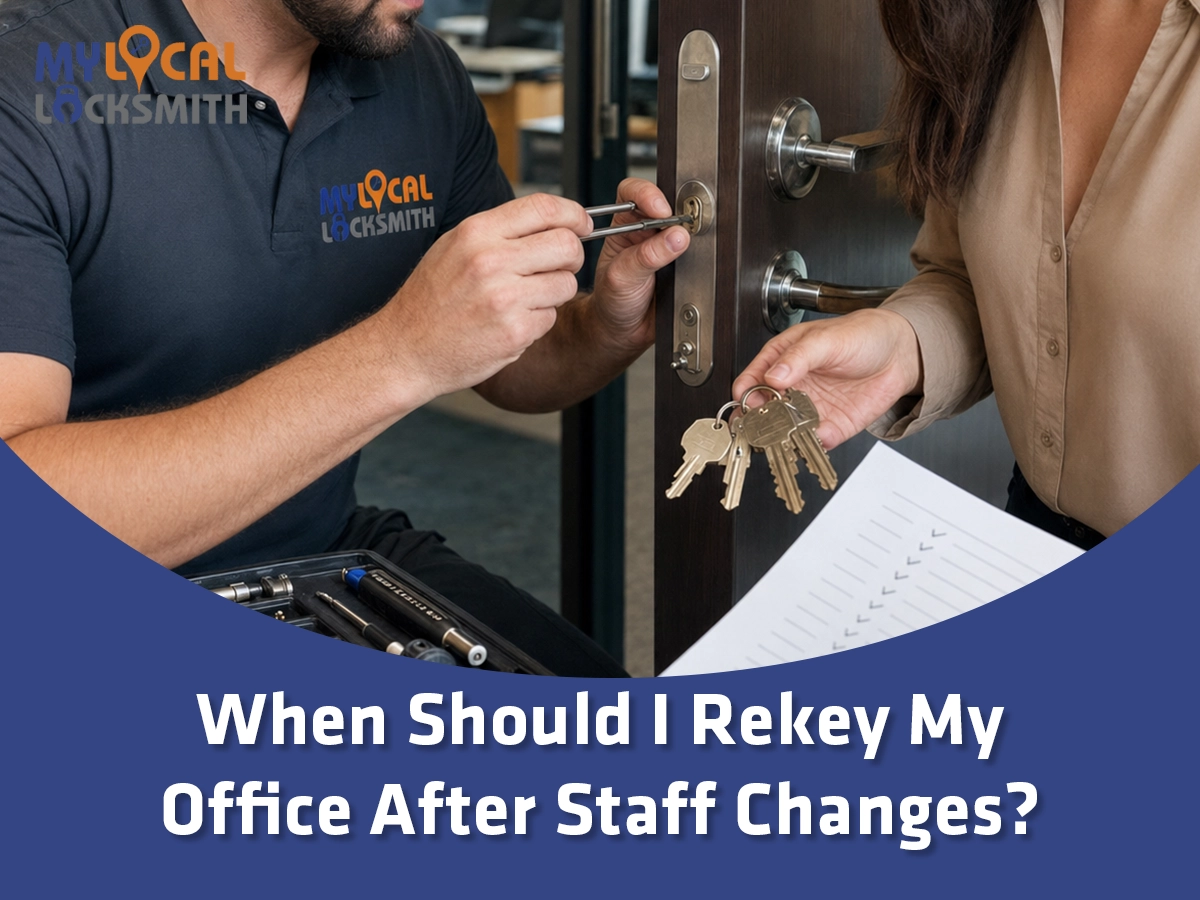
Restricted keys or a well planned master key system can improve control without adding software. A key register can track each issued copy. Rekeying can restore control after a lost key or staff change.
Mechanical locks also work without network service or system administration. However, they cannot disable one missing key remotely. They may also provide little or no use history.
This comparison of keypads and keys for a business can help managers examine simplicity, tracking, code sharing, and daily use.
- Keep mechanical keys when needs are simple and key custody stays clear.
- Upgrade when repeated rekeying or uncertain access creates ongoing problems.
4. Compare Four Useful Access Control Options
Small offices do not need the same system as a large campus. A simple choice may control one door. A managed platform may connect several rooms and users.
A standalone keypad uses a code stored at the lock. It can be affordable and simple. However, shared codes reduce accountability and must be changed when they spread.
A badge or card system gives each user a unique credential. A mobile system uses a phone based credential. A networked system can manage schedules, door groups, alerts, and records from one interface.
A hybrid plan may keep mechanical keys for backup while using electronic access on selected doors. The correct choice depends on traffic, security, power, network, and management needs.
- Choose the simplest system that meets the defined goal.
- Confirm how credentials, backup entry, and administration will work.
5. Calculate the Full Cost Instead of the Purchase Price
The device price is only one part of the investment. A complete project may include readers, locks, controllers, power supplies, cabling, door contacts, request to exit devices, software, and labor.
Existing door condition also affects cost. A sagging door, damaged frame, weak closer, or incompatible lock may need repair first. Glass, aluminum, fire rated, and paired doors can require different hardware.
Then, consider ongoing costs. These may include software, support, replacement credentials, batteries, network service, inspections, and future parts. A cloud service may use recurring fees.
Compare that total with current costs. Include rekeying, lost productivity, key tracking, after hours access, and staff time. Do not invent a savings figure without real records.
- Request a written scope that separates hardware, labor, software, and repairs.
- Estimate several years of ownership using the office’s actual access history.
6. Use Staff Turnover as a Key Decision Factor
Employee changes are where electronic credentials can provide clear value. An authorized manager can remove a badge or mobile credential without collecting every physical copy.
The process still needs discipline. Credentials should be assigned to named users, reviewed regularly, and disabled at the right time. Shared credentials make offboarding harder and reduce useful records.
The NIST physical access controls provide a helpful model. They address approved access lists, issued credentials, regular reviews, and removing people when access is no longer required.
NIST guidance is not a custom rule for every small office. Still, its core ideas are practical. Know who is authorized, use individual credentials, review access, and remove access promptly.
- Connect credential removal with the employee offboarding checklist.
- Review access after hiring, role changes, transfers, and departures.
7. Limit Access by Role, Room, and Schedule
One major benefit is the ability to give people only the access they need. A receptionist may need the main entrance. A manager may also need records and supply rooms.
Schedules add another layer. A cleaner may need access on selected evenings. A contractor may need a temporary credential that expires automatically. These rules reduce the need for broad permanent access.
Avoid creating too many complicated groups. Complex permissions can cause mistakes and make reviews harder. Start with a few clear roles that match real work.
For offices that still use mechanical access levels, this guide to master key systems and business security explains a similar role based idea without electronic management.
- Build access groups around job duties rather than personal preference.
- Give temporary users a limited schedule and a clear end date.
8. Understand What an Entry Log Can and Cannot Prove
An electronic system can record a credential request, door event, and time. This record can help investigate an alarm, after hours entry, or door held open warning.
However, the log has limits. A valid badge may be shared. One person may follow another through the door. A door contact may be missing or misconfigured. Time settings may also be wrong.
Therefore, records should support a wider review. Cameras, visitor logs, alarm events, and staff reports may add context. Policies should also explain who can view records and how long they remain stored.
The business should avoid collecting more information than it needs. Access records can reveal work patterns. Management should protect accounts, exports, and reports from casual viewing.
- Treat access records as useful evidence, not perfect proof.
- Set clear rules for log access, review, protection, and retention.
9. Protect the System From Cybersecurity Problems
Modern access control may connect to local networks, cloud services, mobile apps, and remote support. That convenience creates accounts and devices that need protection.
Change default passwords and use strong unique credentials. Enable multifactor authentication when available. Limit administrator rights and remove old administrator accounts.
Ask how the vendor handles updates, backups, encryption, service outages, and account recovery. Also ask what happens if the installer, software provider, or internet connection becomes unavailable.
Keep the access control network separated where appropriate. A qualified information technology professional should review network design. The locksmith should focus on compatible door hardware and safe physical operation.
- Protect administrator accounts more strongly than everyday user credentials.
- Plan for updates, backups, outages, and secure vendor support.
10. Keep Safe Exit as the First Requirement
Access control manages entry, but it must not trap people inside. Door hardware, sensors, power, and controls must preserve required exit operation.
The OSHA exit route standard says workers must open an exit route door from inside without keys, tools, or special knowledge. It also addresses devices that could restrict emergency use if they fail.
The exact design depends on the lock type and approved opening. An electric strike, magnetic lock, or electric latch device may use different release methods. Fire alarm and power loss behavior can also differ.
Do not select hardware from appearance alone. A professional should inspect the door, frame, closer, existing lock, exit device, labels, wiring path, and intended operation.
- Confirm normal exit, emergency release, and power loss behavior.
- Never trade required egress for easier outside access management.
11. Check Accessibility and Daily Ease of Use
A secure door should remain practical for staff and visitors with different abilities. Reader position, door force, clear floor space, reach, timing, and hardware all affect use.
Mobile credentials may create difficulty for people without compatible phones. Small keypads may challenge some users. A heavy door can remain a barrier even when the reader works perfectly.
Plan an accessible method for authorized users. The system should also support visitors without forcing them to share employee credentials. Door operators and release controls may require additional coordination.
Test real workflows before final approval. Include entry, inside exit, visitor arrival, deliveries, and after hours use. A feature list cannot replace daily usability.
- Include accessibility and visitor needs in the original scope.
- Test the complete opening with actual user tasks and schedules.
12. Review the Lease, Door, and Local Requirements
Many small Flower Mound offices are leased. The tenant may need written approval before drilling, wiring, replacing hardware, or connecting building systems. The landlord may also control common entrances.
Ask who owns the installed equipment and data. Clarify who pays for maintenance and removal. The lease may require the door to be restored when the tenant leaves.
Flower Mound adopted the 2024 International Fire Code through Ordinance No. 30-25. The Town’s Fire Marshal administers and enforces its fire code.
An online article cannot determine permit or code needs for a specific door. Confirm requirements with the property manager and appropriate local authority before work begins.
- Get property approval before changing leased doors or shared systems.
- Confirm permit, inspection, fire door, and exit requirements for the project.
13. Plan for Power, Network, and System Failure
Every system needs a failure plan. Ask how each door behaves during a power outage, controller problem, network loss, fire alarm, and reader failure.
Some functions may continue locally when internet service fails. Others may lose remote management. Battery backup can provide limited time, but its capacity and condition matter.
Mechanical override keys often remain part of the plan. Those keys must be secured, counted, and tested. An electronic upgrade does not remove the need for physical key control.
Document emergency contacts and authorized recovery steps. Staff should know whom to call without receiving administrator passwords or bypass instructions.
- Test approved backup operation and keep maintenance records.
- Control override keys and limit emergency system privileges.
14. Use a Practical Small Office Example
Consider a representative example. This example does not describe a specific customer. It shows how one small office might compare needs and costs.
A Flower Mound consulting office has eight workers, one main entrance, and a private records room. Staff schedules vary, and two outside cleaners work after hours.
The front door currently uses a shared key. The records room has a separate key, but the key list is incomplete. Management wants faster offboarding and separate access for cleaners.
A focused plan places managed credentials on the entrance and records room. Employees receive role based access. Cleaners receive limited evening access to the entrance but not the records room.
The office keeps controlled mechanical override keys and documents outage steps. This plan solves a clear problem without placing electronic hardware on every interior door.
- Select doors based on access needs, not on technology alone.
- Use limited roles and schedules to keep management simple.
15. Make the Final Decision With a Simple Scorecard
Access control is likely worth serious consideration when several conditions apply. Staff or contractors change often. Keys are hard to track. Sensitive rooms need separate access. Managers need schedules or usable entry records.
It may offer less value when one stable team uses one door during normal hours. Strong mechanical locks, restricted keys, and a written key log may solve that office’s needs.
Score each factor from low to high. Include turnover, sensitive areas, after hours use, audit need, lost key history, visitor flow, and management capacity. Then compare options with written proposals.
This guide to professional access control benefits can help decision makers prepare questions before meeting an installer.
- Choose access control when its daily value supports its full cost.
- Keep a simpler key system when it meets the risk and workflow.
Frequently Asked Questions
How much does access control cost for a small office?
Cost depends on the number and type of doors, existing hardware, wiring routes, credentials, controllers, software, and needed repairs. Fire rated, glass, aluminum, and paired doors can change the scope. Ask for a written proposal that separates installation, hardware, software, recurring fees, maintenance, and optional future doors.
Is a keypad or card reader better for a small business?
A keypad can suit a simple door, but shared codes reduce accountability and must be changed when exposed. Individual cards or mobile credentials make it easier to remove one user’s access and review events. The better option depends on staff changes, record needs, budget, phone policies, and who will manage the system.
Can access control work during a power outage?
Operation depends on the system design, lock type, controller, backup power, and approved safety function. Some systems continue local decisions for a limited period. Others lose remote features. The installer should explain each door’s behavior during power, network, reader, and controller failures, then document and test the approved backup plan.
Does a small office still need mechanical keys?
Many systems retain mechanical keys for override, service, or selected doors. Those keys remain important credentials and should be secured, counted, assigned, and tested. The exact need depends on the hardware and building plan. Access control reduces daily key use, but it does not always remove every cylinder or physical key.
Can I install access control on an existing office door?
Often yes, but the door must be inspected first. The frame, lock, closer, hinges, exit hardware, fire label, power path, and lease rules can affect compatibility. Some openings need repair or different hardware before electrification. A site review should happen before equipment is ordered because appearance alone cannot confirm a safe fit.
Conclusion
Access control for a small Flower Mound office is worth it when it solves a real access problem. The strongest reasons include staff changes, restricted rooms, after hours schedules, and individual credential management.
However, a simple office may not need a large system. Quality mechanical locks and clear key control can remain effective. The best investment fits the doors, users, risks, lease, and management capacity.
My Local Locksmith – Flowermound can inspect existing commercial doors, explain compatible access options, and help define a practical scope. A careful site review can prevent unnecessary hardware and future problems.
- Compare real workflow benefits with full ownership costs.
- Preserve safe exit, accessibility, and reliable backup operation.
Contact My Local Locksmith – Flowermound
Need help deciding whether access control fits your small Flower Mound office? Contact My Local Locksmith – Flowermound for a professional door and access review.
Contact us at
Address: 3535 Firewheel Dr Suite 101, Flower Mound, TX 75028
Main Phone: 469-820-8765
Website: https://mylocallocksmithtx.com/